Educational
Android App Bundle (AAB) vs APK: What's the Difference?
January 2025•6 min read
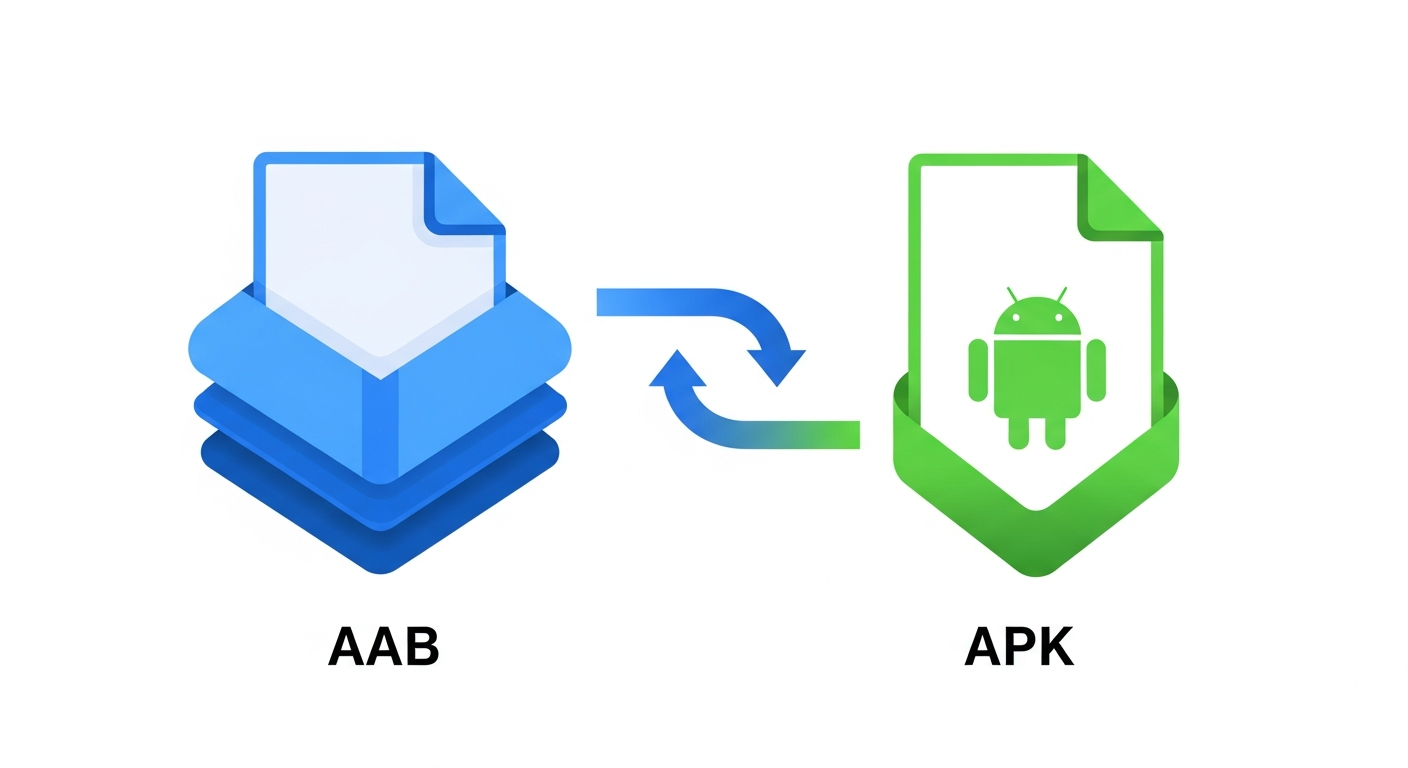
Google now requires developers to upload Android App Bundles (AAB) instead of APKs to the Play Store. But what does this mean for users who want to download APK files?
What is an APK?
APK (Android Package Kit) is the traditional format for Android apps:
- Contains all resources for all devices
- Single file that works on any compatible Android
- Can be shared and sideloaded easily
- Larger file size (includes unused resources)
What is an AAB?
AAB (Android App Bundle) is Google's newer publishing format:
- Contains all code and resources
- Google Play generates optimized APKs per device
- Smaller download sizes for users
- Cannot be directly installed on devices
Key Differences
| Feature | APK | AAB |
|---|---|---|
| File Size | Larger | Smaller (optimized) |
| Sideloadable | Yes | No (needs conversion) |
| Device Specific | No (universal) | Yes |
| Play Store Required | No | Yes (for generation) |
Why Google Prefers AAB
- Smaller Downloads: Users only download what their device needs
- Dynamic Delivery: Features can be downloaded on-demand
- Better Security: Google signs the final APKs
Impact on APK Downloads
Since August 2021, new apps must use AAB format. This means:
- Universal APKs may be larger than Play Store downloads
- Some features might not work in extracted APKs
- Split APKs may be needed for some apps
How Services Like Apkhitz Handle This
When you download from Apkhitz, the service extracts and provides working APK files from Play Store bundles, ensuring compatibility with your device.
Conclusion
While AAB is the future of Play Store distribution, APK remains the format you need for sideloading. Understanding both helps you navigate Android app installation effectively.